> For the complete documentation index, see [llms.txt](https://docs.sealsecurity.io/llms.txt). Markdown versions of documentation pages are available by appending `.md` to page URLs; this page is available as [Markdown](https://docs.sealsecurity.io/integrations/internal-scanners/checkmarx.md).

# Checkmarx integration

<figure><img src="/files/DEp0k44N8lsnpO5c1ICS" alt="Checkmarx" width="240"><figcaption></figcaption></figure>

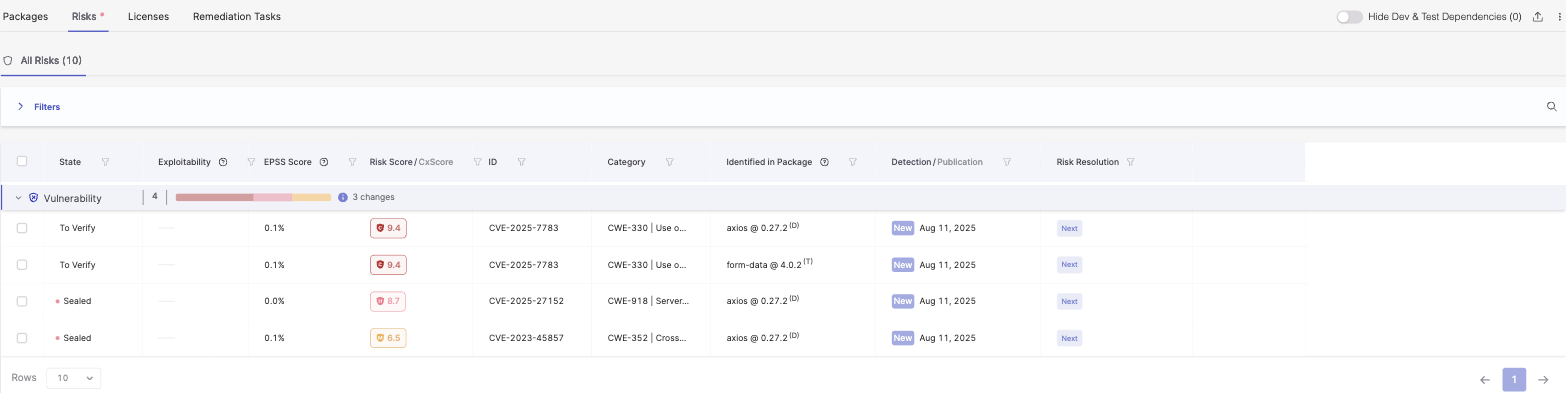
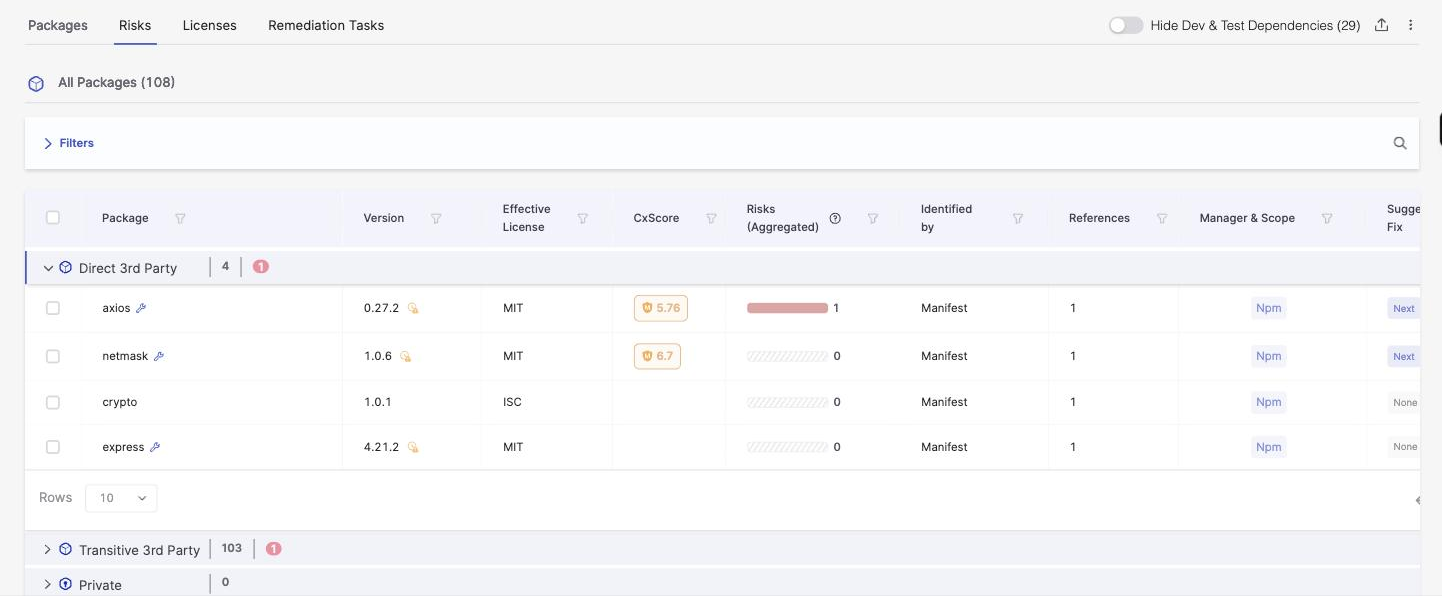
The Seal CLI calls the Checkmarx API after every `seal fix` run and updates the corresponding findings in the targeted Checkmarx project. Vulnerabilities Seal has sealed are marked as remediated; vulnerabilities still open stay open.

## Before you start

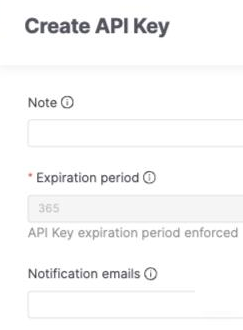
* A Checkmarx API token with permissions to update SCA findings on the target project.
* The Checkmarx project ID for the project Seal is sealing.
* Your Checkmarx tenant URL. For the hosted offering this is `https://ast.checkmarx.net`.

## Configuration

Set these in your CI environment:

```bash
SEAL_CHECKMARX_URL=<your checkmarx tenant url>
SEAL_CHECKMARX_TOKEN=<checkmarx api token>
SEAL_CHECKMARX_PROJECT_ID=<checkmarx project id>
```

Or in `.seal-config.yml` at the project root:

```yaml
checkmarx:
  url: <your checkmarx tenant url>
  token: <checkmarx api token>
  project-id: <checkmarx project id>
```

## Verify

After a `seal fix` run with the integration configured, open the targeted Checkmarx project. Vulnerabilities Seal sealed should reflect a remediated state with a Seal-attributed reason.

## Related

* [How CLI-driven sync works](/integrations/internal-scanners/how-cli-sync-works.md)