> For the complete documentation index, see [llms.txt](https://docs.sealsecurity.io/llms.txt). Markdown versions of documentation pages are available by appending `.md` to page URLs; this page is available as [Markdown](https://docs.sealsecurity.io/integrations/internal-scanners.md).
# Internal scanner integrations
How Seal synchronizes its remediation findings into the SCA scanners your organization already runs internally.
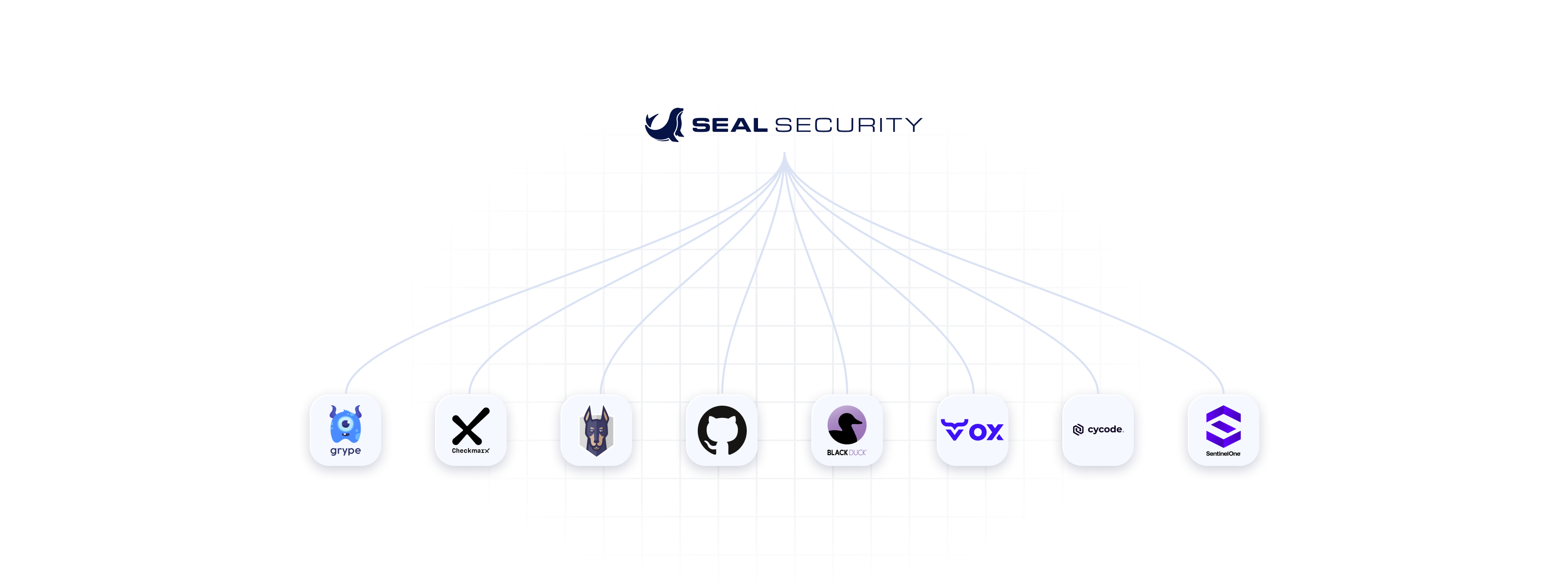
The eight internal SCA scanners Seal integrates with today.
Most customers already run an SCA scanner. When Seal substitutes a sealed version for a vulnerable package, the scanner still sees what it scanned before, and it still alerts on those vulnerabilities. Internal scanner integrations close that gap by updating the scanner's own state so that its dashboard, its alerts, and the policy files it reads reflect what Seal has actually sealed.
This chapter covers eight scanners that Seal integrates with today: Snyk, Checkmarx, Black Duck, GitHub Advanced Security (GHAS), Ox Security, SentinelOne, Grype, and Cycode.
## Two integration mechanisms
Seal updates a scanner's state through one of two mechanisms, depending on what the scanner supports:
* **API sync.** The Seal CLI calls the scanner's API after a `seal fix` run and marks the vulnerabilities Seal has remediated as resolved, ignored, or otherwise no-longer-actionable in the scanner's terms. This is the mechanism for Snyk, Checkmarx, Black Duck, GHAS, Ox Security, and SentinelOne.
* **Policy-file edits.** The Seal CLI writes ignore or policy entries to a file in your repository that the scanner reads on its next run. This is the mechanism for Snyk (`.snyk`), Grype (`.grype.yaml`), and Cycode (`.cycode/config.yaml`).
Snyk supports both mechanisms, but not at the same time per Seal Project. Match the mechanism to the CLI fix mode: use policy-file edits under **Local**, and use API sync under **Remote** or **Automatic Remediation**.
Both mechanisms require that the Seal CLI runs in your CI/CD pipeline. The integrations do not work for the [Artifact Server](/using-platform/working-with-seal-apps.md) or [Manual](/using-platform/working-with-seal-apps/manual.md) deployment methods, because there is no Seal CLI step in either of those to drive the sync.
## When to use which
| Scanner | API sync | Policy-file edits |
| ------------------------------- | -------------------- | --------------------------- |
| Snyk | yes | yes (`.snyk`) |
| Checkmarx | yes | no |
| Black Duck | yes | no |
| GitHub Advanced Security (GHAS) | yes (via Dependabot) | no |
| Ox Security | yes | no |
| SentinelOne | yes | no |
| Grype | no | yes (`.grype.yaml`) |
| Cycode | no | yes (`.cycode/config.yaml`) |
For scanners not on this list, or for scans run by an external party (a customer, a regulator), see [External scanner support](/integrations/external-scanners.md) and [Package renaming](/integrations/package-renaming.md).
## Configuration model
All integrations share the same configuration model: per-scanner credentials passed as environment variables to the Seal CLI, or in a `.seal-config.yml` file at the root of your project. The environment variable names follow `SEAL__` (for example, `SEAL_SNYK_TOKEN`). The full per-scanner setup is documented in the linked sub-pages.
## Scanners covered
* [Snyk integration](/integrations/internal-scanners/snyk.md)
* [Checkmarx integration](/integrations/internal-scanners/checkmarx.md)
* [Black Duck integration](/integrations/internal-scanners/black-duck.md)
* [GitHub Advanced Security (GHAS) integration](/integrations/internal-scanners/ghas.md)
* [Ox Security integration](/integrations/internal-scanners/ox-security.md)
* [SentinelOne integration](/integrations/internal-scanners/sentinelone.md)
* [Grype integration](/integrations/internal-scanners/grype.md)
* [Cycode integration](/integrations/internal-scanners/cycode.md)
## Reference
* [How CLI-driven sync works](/integrations/internal-scanners/how-cli-sync-works.md): the lifecycle of a sync, what gets updated, what does not.
## Related
* [External scanner support](/integrations/external-scanners.md): for scanners outside your organization (customer scans, regulator scans).
* [Package renaming](/integrations/package-renaming.md): the alternative when no integration mechanism exists.
* [Seal Apps via the Seal CLI in CI/CD](/setup-apps-os/cli-in-cicd.md): the CLI integration these all depend on.